How to Pay with EcoCash USD on NUNUA: Step-by-Step Guide
Payment Tips · 4 min read
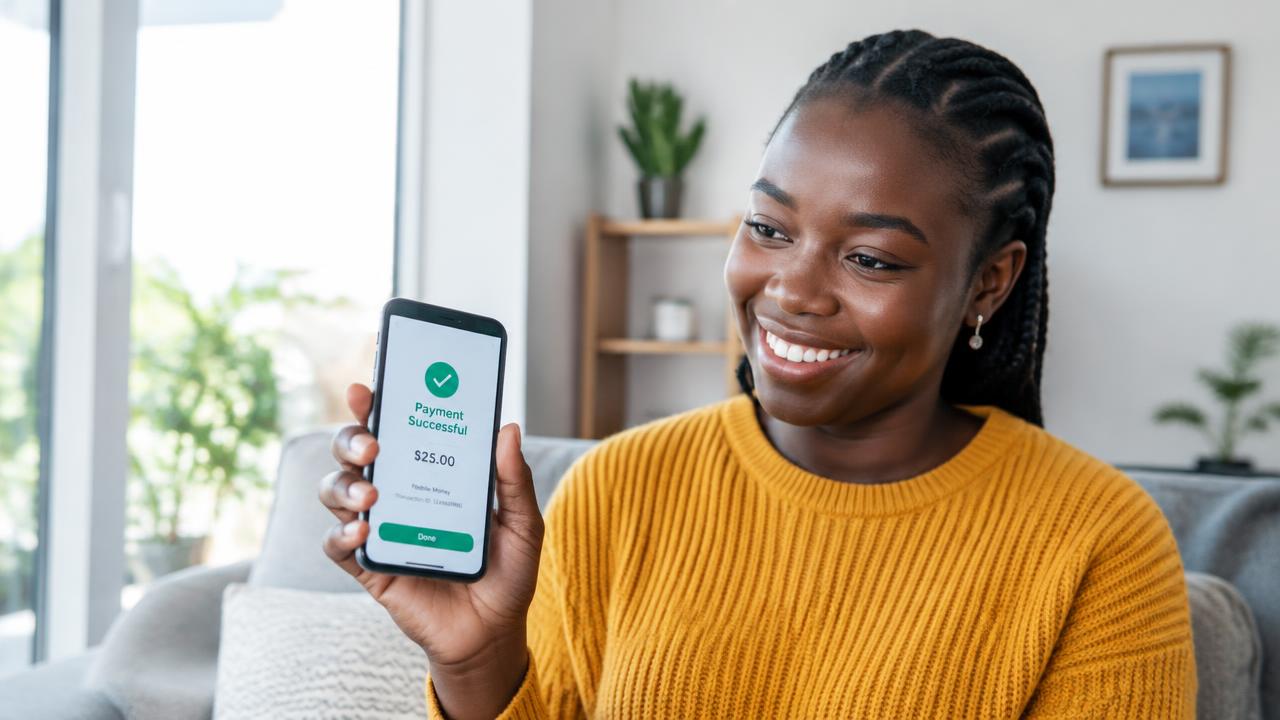
Before you start
Make sure your EcoCash wallet has enough USD balance to cover your order and delivery fee, and keep your phone nearby — the payment request is sent to it.
Paying step by step
- Add the products you want to your cart and tap Checkout.
- Enter your delivery details and choose EcoCash as your payment method.
- Enter the EcoCash number you want to pay from and tap Pay Now.
- A payment request appears on your phone. Check the amount and enter your PIN there.
- Stay on the payment page — it updates by itself once the payment is confirmed.
If the prompt doesn't arrive
Check your network signal and wallet balance, then try again from the payment page. If money left your wallet but the order still shows as pending, contact us with your order reference and we will check it for you.